
STRANS POS GUIDES
Practical guides.
For your
busy day.
From setting up checkout to reviewing sales. Follow the steps, check the result, and get on with your day.
FIND YOUR NEXT STEP
What would you like to do?
6 guides available
GETTING STARTED
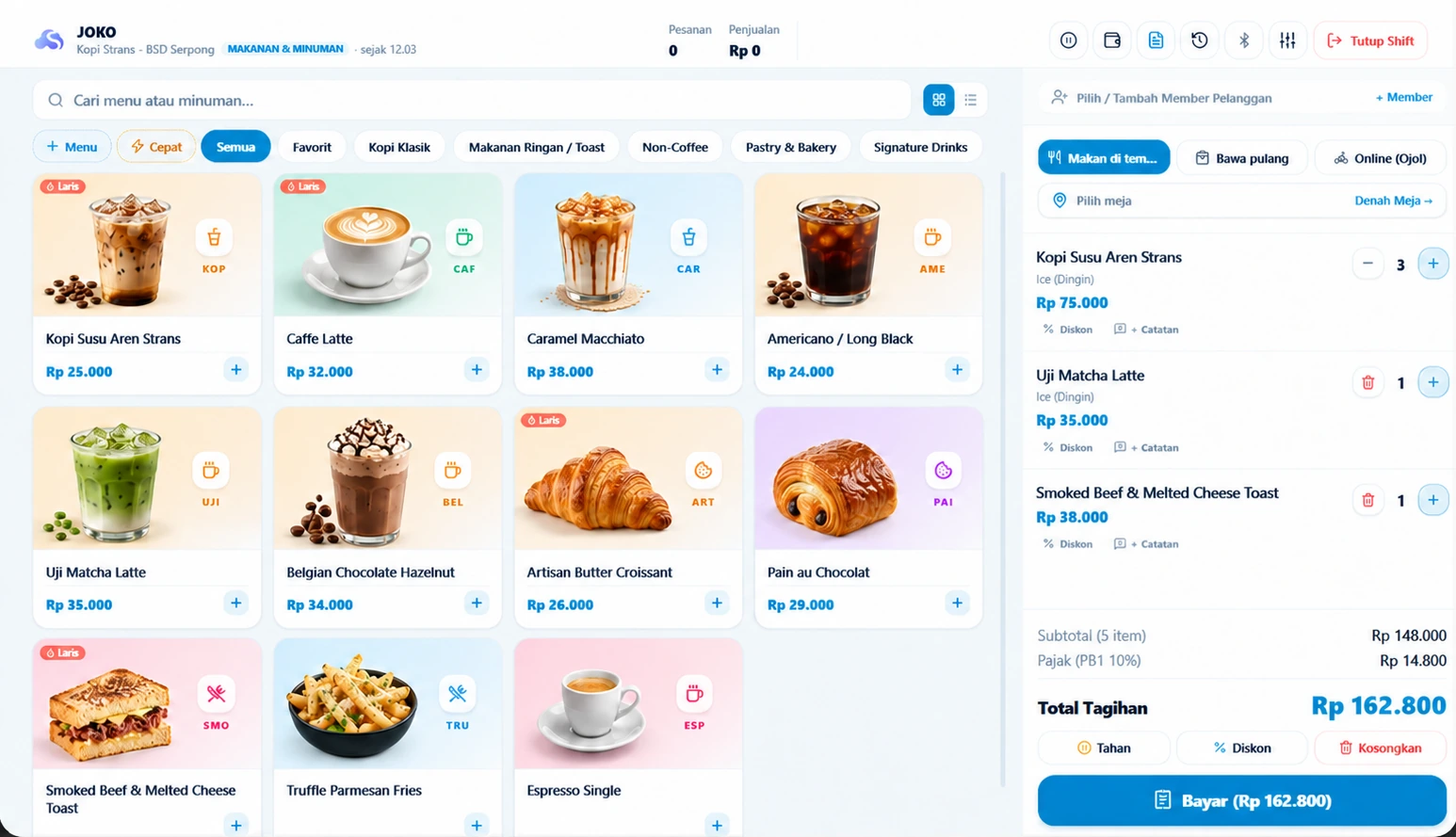
Record your first sale in Strans POS
From choosing a product to checking the receipt. Follow this workflow after pairing your checkout device with its outlet.
SHIFTS & CASH
Close a shift and reconcile cash in Strans POS
Count physical cash, compare it with recorded activity, and save a closing record the owner can review.
CATALOG & STOCK
Check stock and movements after a sale
Match products, outlets and units before adjusting stock. Investigate differences using item records.
OUTLET MANAGEMENT
Review sales across two outlets
Use consistent outlets, staff access and periods so combined figures can be traced to each location.
STAFF & ACCESS
Set up staff and cashier PINs
Assign each employee an outlet, role and PIN, then check their POS access.
PRINTERS & DEVICES
Connect a Bluetooth printer
Pair an Android receipt printer, select its paper width and check a test print before serving customers.
A HANDY REFERENCE FOR YOUR TEAM
Close the shift.
Keep a clear record.
A one-page checklist for reviewing sales, counting cash, and handing over the shift. Download it, print it, and use it with your team.
PDF · 1 page · No account required